
SOLUTIONS
Simplify data collaboration, enhance teamwork, and
collaborate in real-time with secure, organized
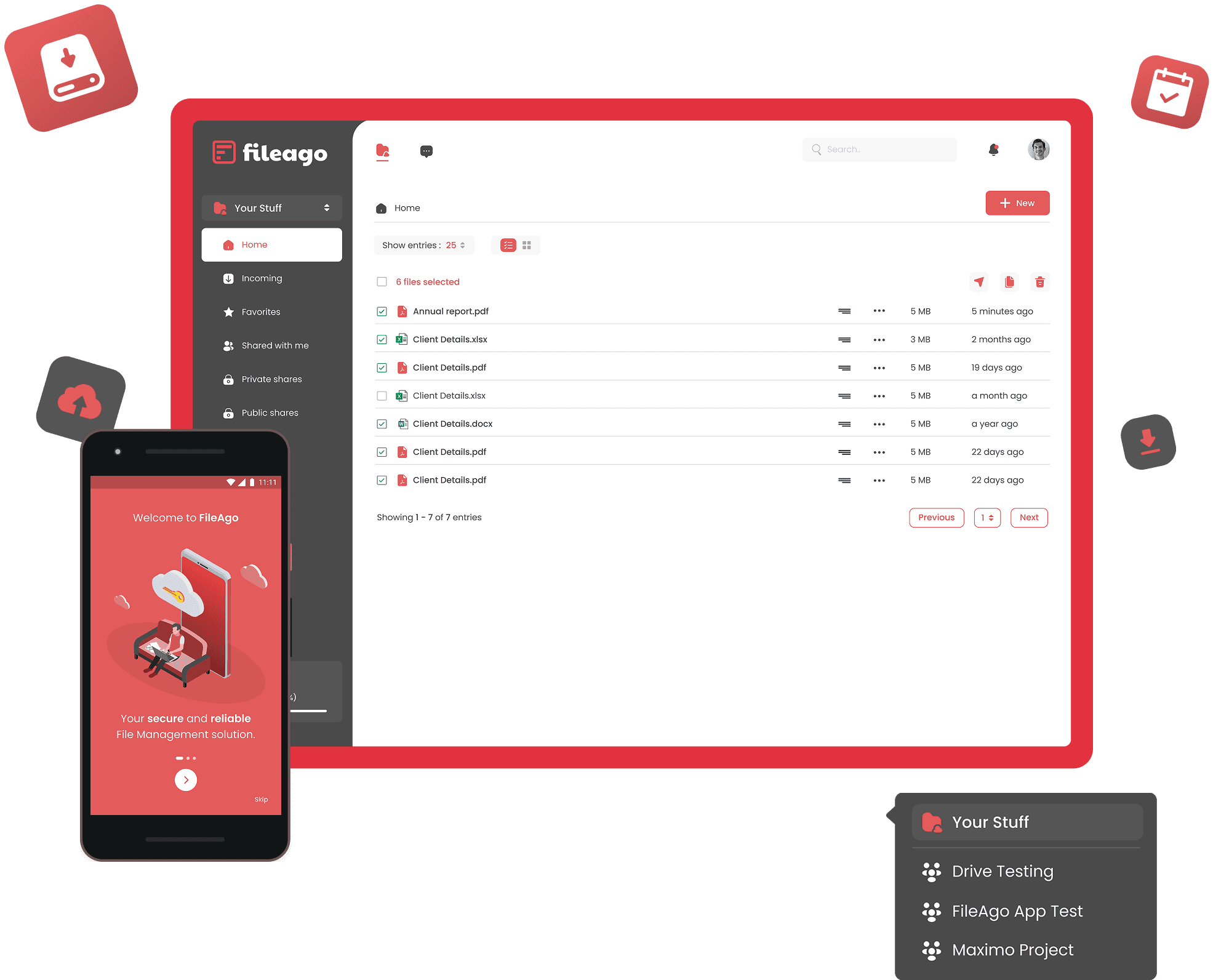
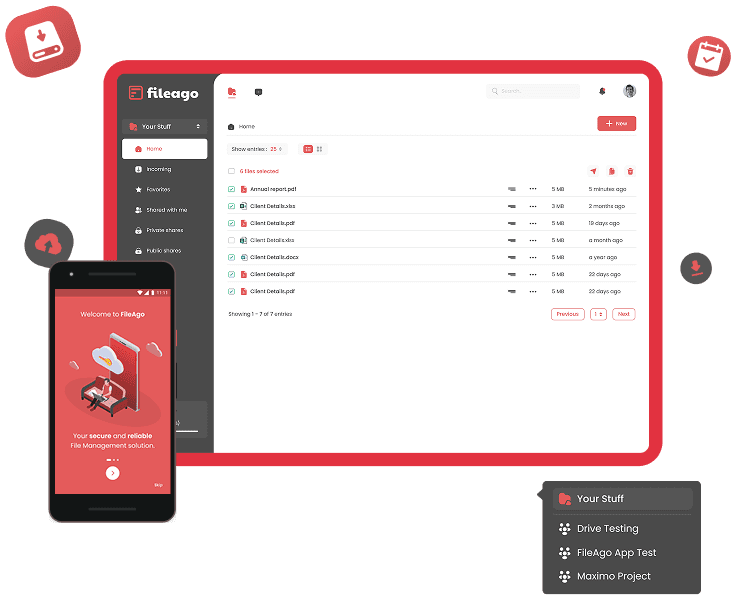
Secure Data management Software built for efficiency.

Seamlessly store your data in the
cloud, ensuring it's accessible
anytime, anywhere.
Effortlessly share data with colleagues, no matter the size or format.

Co-edit documents, chat, and video conference all in one platform for smooth teamwork.

Enjoy peace of mind with robust access controls and detailed activity logs to keep your data safe.
Seamlessly store your data in the
cloud, ensuring it's accessible
anytime, anywhere.
Effortlessly share data with colleagues, no matter the size or format.
Co-edit documents, chat, and video conference all in one platform for smooth teamwork.
Enjoy peace of mind with robust access controls and detailed activity logs to keep your data safe.

EVENT 5



Business users
Data secured
Clients
Our success is built on the strength of our
partnerships.
By teaming up with industry
leaders, we bring you a robust ecosystem
of
integrations that drive innovation and efficiency.
Together with our world-class partners,
we deliver solutions that
ensure faster,
more reliable deployments and streamline
your
operations for maximum agility.
English